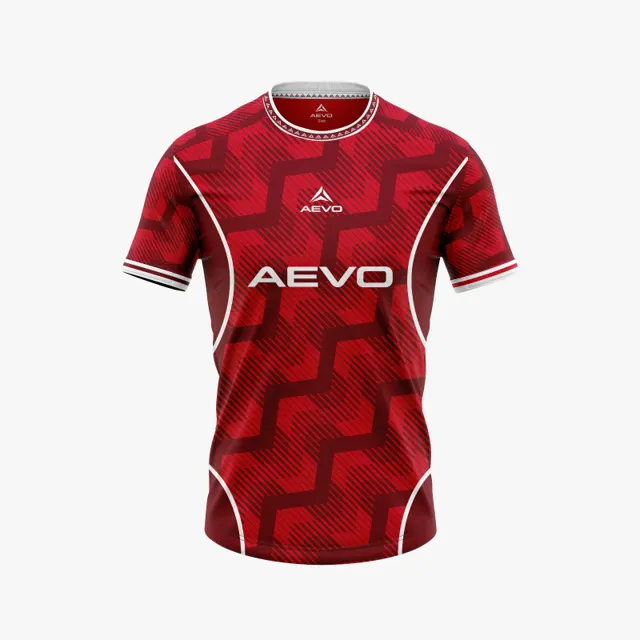
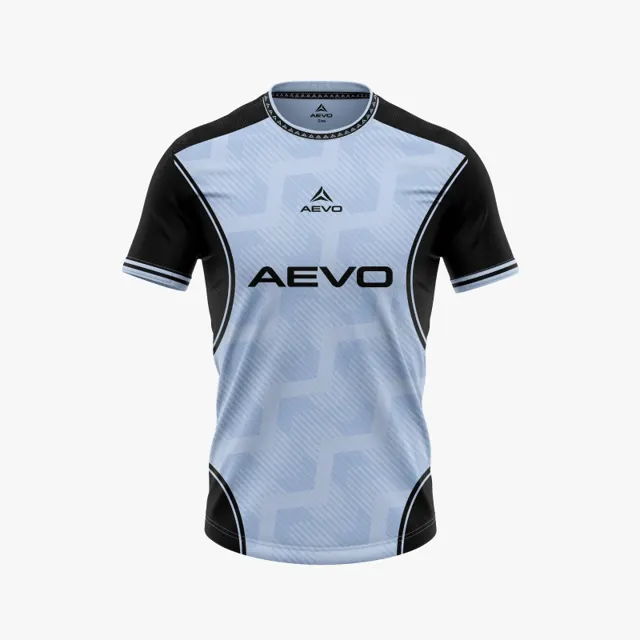
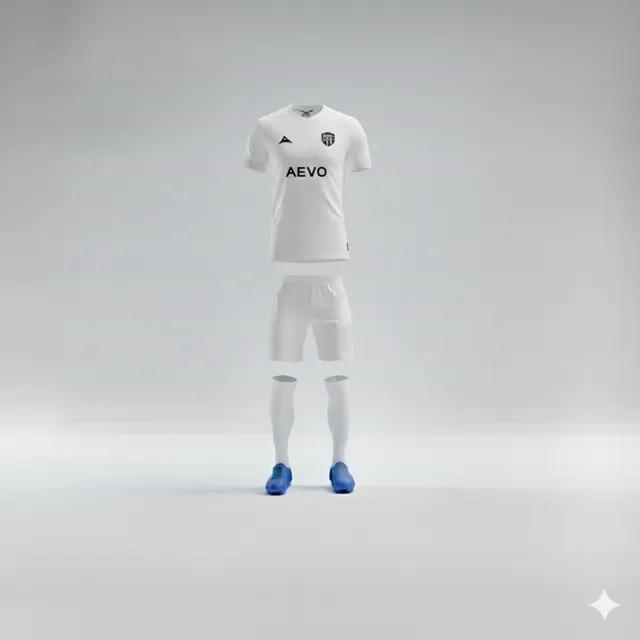
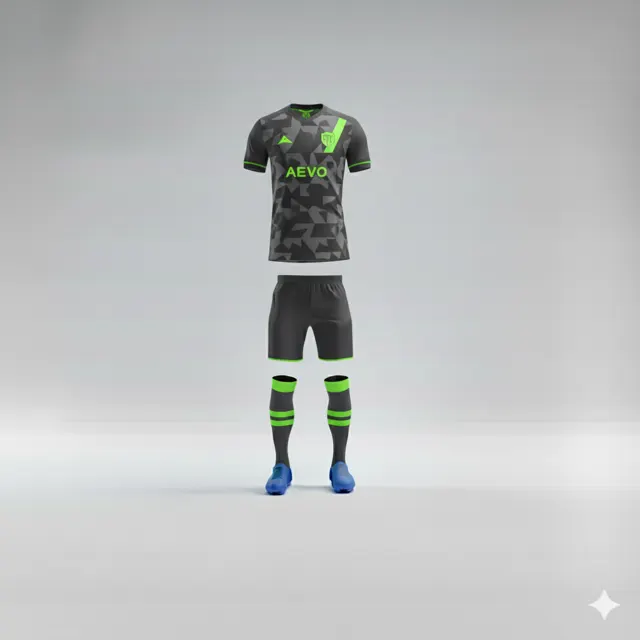
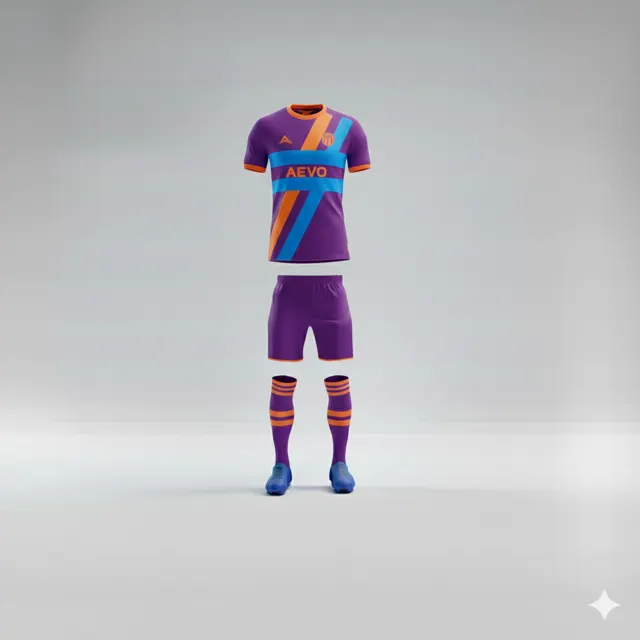
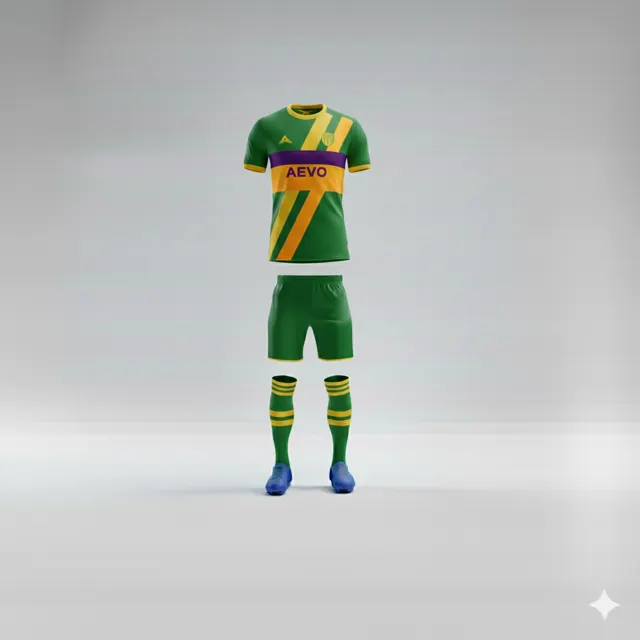
Review front, back and detail views in a kit mock-up
Use front, back and close-up views to catch inconsistencies in a football shirt design before approval. Gather feedback and ask AEVO for a design proposal.

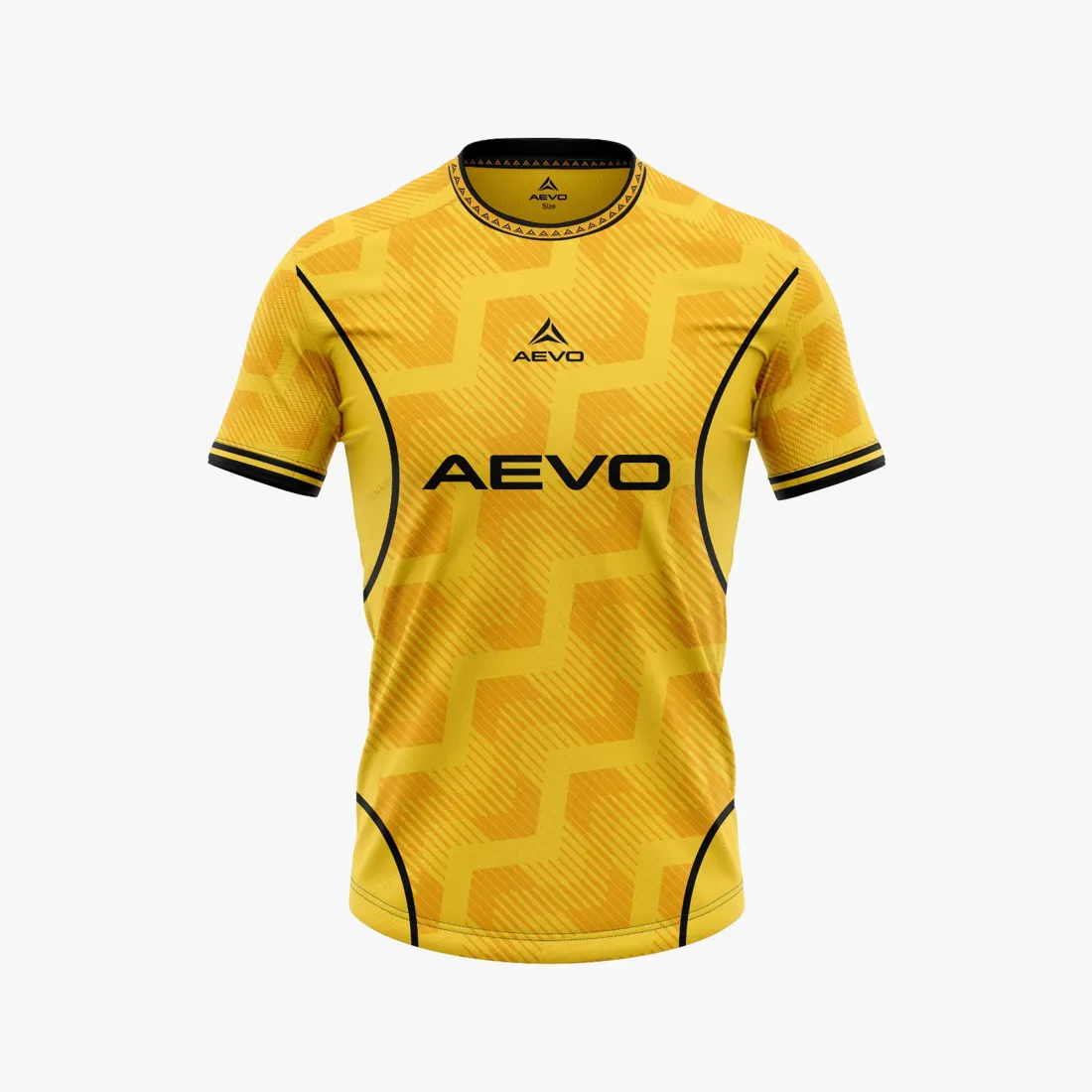
A polished front is not the whole mock-up
A digital shirt mock-up can look convincing as a single image, but one view rarely supports a sound decision. A stripe that feels balanced from the front may end unexpectedly over the shoulder; a crest may sit close to a seam when the back is shown. Ask for or open every available view of the same version: front, back and relevant details. First confirm that the images belong together. If an older back view sits beside a new front, the group is commenting on two different proposals. Put a date or simple version number on the material and ask one person to manage it.
Follow the design across colours and panels
Trace each prominent graphic feature across the garment. Does a line continue logically from front to side, or does it look accidentally cut off? Are colour blocks consistent on both sleeves, or do their widths and heights shift between views? Distinguish an intentional break from a possible drawing error; when the intent is unclear, ask rather than guess. Check contrast around the crest and any numbers or names, but do not assume a placement rule without checking the club’s and competition organiser’s requirements. AEVO’s team kits show how products are presented, but a product image cannot replace reviewing your own design.
Inspect details at an appropriate scale
Move between the full view and close-ups. The full view helps you see whether the crest and club colours lead the eye; a close-up reveals whether small text is legible, whether lines meet neatly and whether a pattern ends where expected. Judge scale in relation to nearby garment features, not just the zoom level on your screen. Digital magnification can exaggerate or conceal what a detail looks like at normal size. Check whether a motif makes one side feel visually heavier. Screen colours vary, so if an exact colour is important, record the preference and ask for guidance rather than treating the displayed image as a definitive sample.
Give feedback that can be acted on
Group comments by view and location, such as: “back view, lower right: the thin line appears to stop before the side panel.” Describe what you see and the result you want instead of writing only “looks wrong.” Have one coordinator remove duplicates, mark required changes and separate them from optional suggestions. Send one consolidated response, then check that the next version carries the correct number. When the mock-up is coherent, contact AEVO about next steps or first review available team kits.