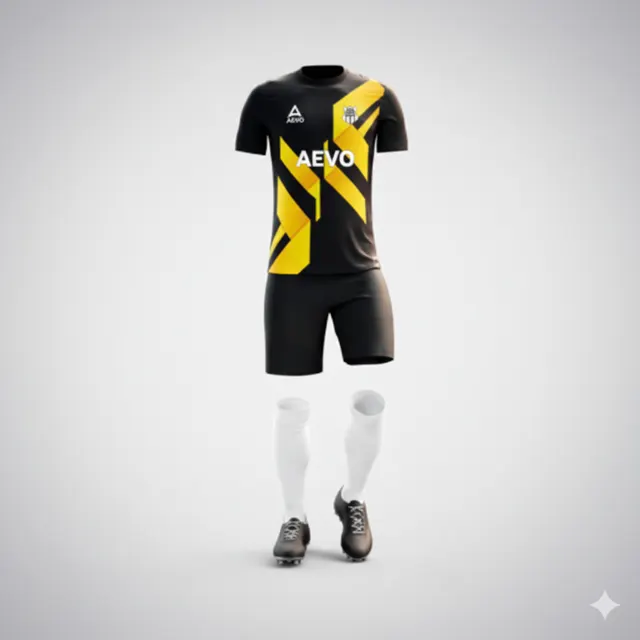
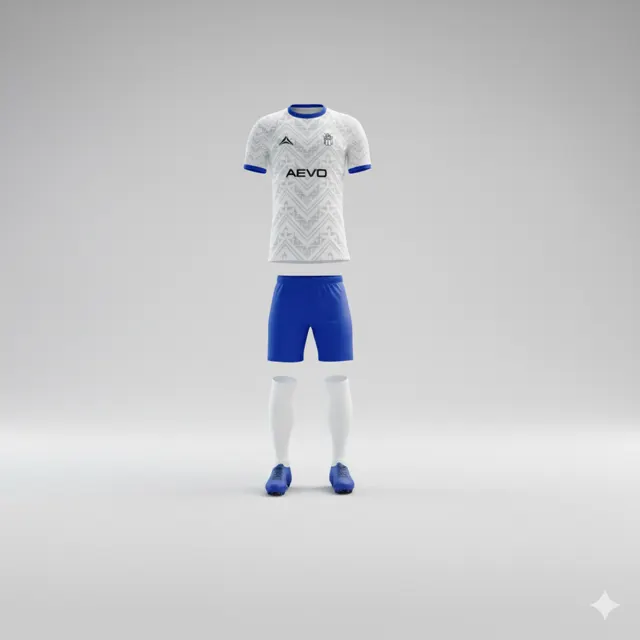
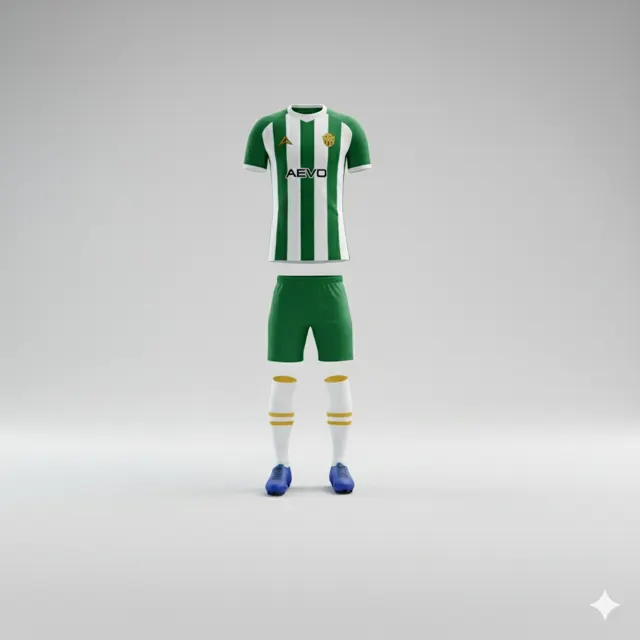
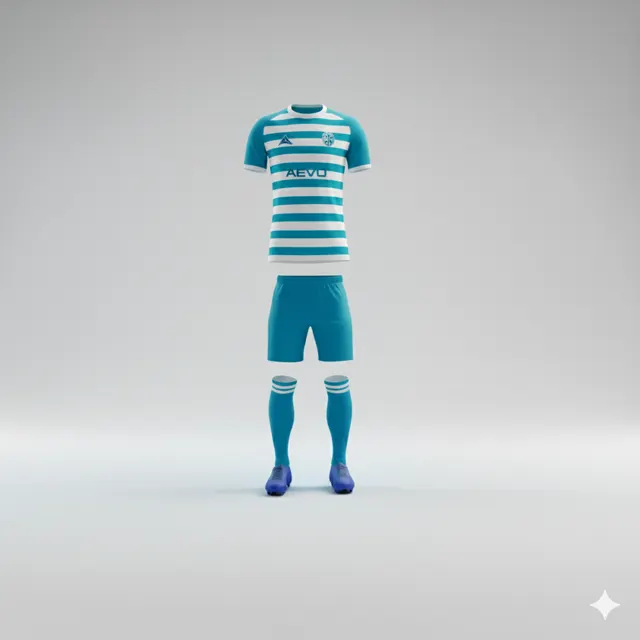
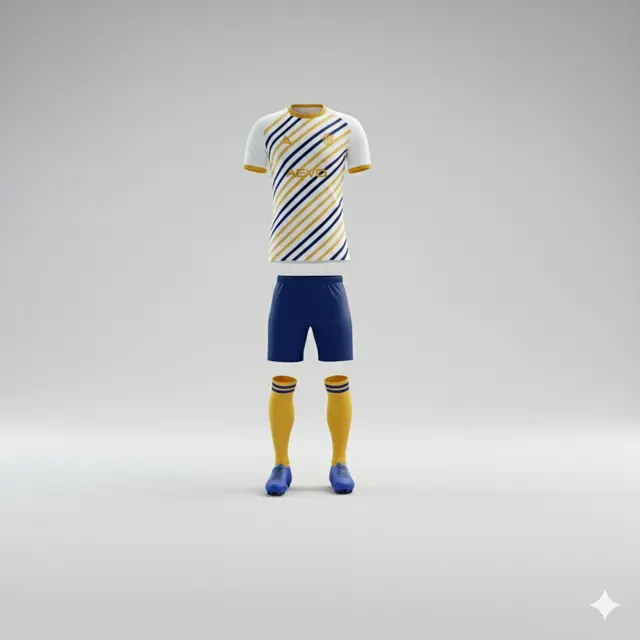
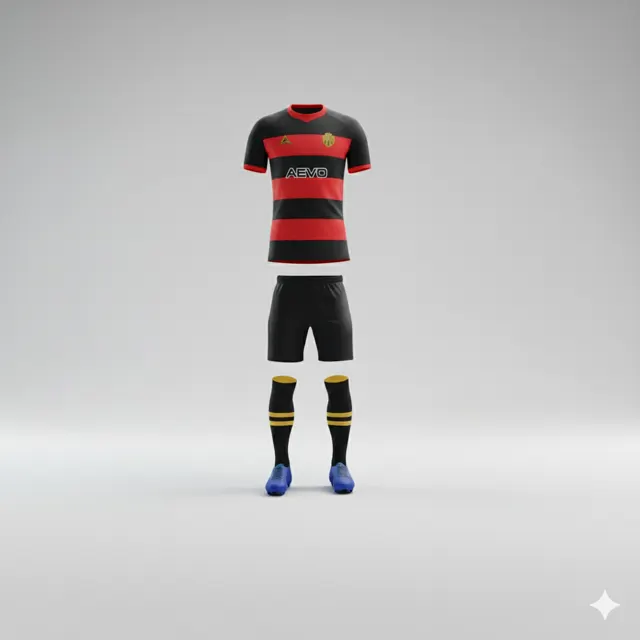
How to Order Custom Football Kits: A Step-by-Step Guide
Plan your custom football kit order with advice on design, sponsor permissions, sizing and player details. Request a free design mockup from AEVO.

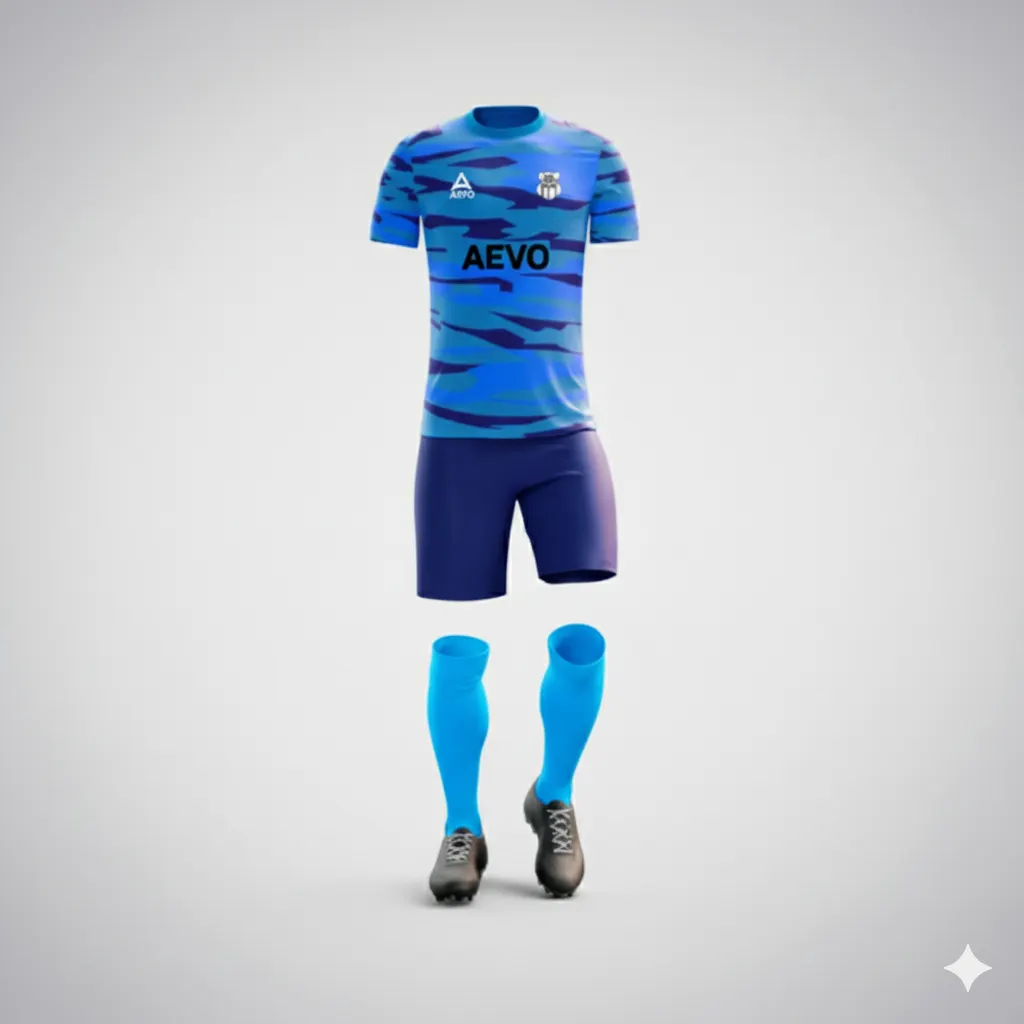
Start with a clear team brief
Ordering custom football kits is easier when the team agrees on the essentials before design work begins. Choose one person to coordinate questions, collect files and sizes, and issue the final approval. Write down what you need: shirts, shorts and socks or selected pieces; an estimated quantity; the club colours and general look; and the date you hope to use the kit. Share that date as a planning target so the supplier understands your needs.
Record any club or competition requirements: goalkeeper variants, alternate colours, or pieces needed by only some players. If a league or tournament may regulate colours, numbers or sponsor placement, check its current rules with the organiser instead of assuming the design qualifies. Separate firm requirements from preferences in a short brief.
Gather artwork and confirm permissions
Collect the current club crest, sponsor logos and any brand guidance before requesting a mockup. Use clear original files where available, and label which version should be used. If you have several similar files, identify the approved one rather than sending them all without explanation. Share colour references if your club has them, and describe what may be adapted and what must remain unchanged. Clear inputs make it easier to spot whether the proof reflects the brief.
Confirm permission to reproduce every crest, company mark and sponsor logo on clothing. Ask the sponsor or rights holder for approval when needed, especially where colour, proportions or context are restricted. An image found online is not automatically cleared for printing. Share only personal information needed for the order. See AEVO’s customizable kits for inspiration; the shop can help you explore products, but rely on the quotation for what your order includes.
Request and review the design mockup
Once the brief and artwork are ready, contact AEVO with the details. Its public website advertises a free design mockup within 24 hours. Ask for a quote confirming the scope, order conditions, schedule and any shipping costs.
Review the proof on a larger screen with someone who knows the club and the order. Check colours, contrast, crest and sponsor placement, and legibility; then inspect each print area. A mockup is a design preview, so ask if scale or placement is unclear rather than guessing at the finished garment.
Keep feedback in one consolidated list. Refer to the exact area, state the requested change, and distinguish a correction from a preference. Ask for a revised proof after changes, and make sure the people involved are reviewing the same version. Parallel messages with conflicting instructions can create avoidable confusion.
Measure players and lock the roster
Collect sizes early. Each player should follow the supplier’s current size guide and measurement instructions; do not infer size from age or another brand’s label. If measurements fall between options, compare them with the intended fit and ask for guidance. Consider each player’s preference for a looser or closer fit, without assuming every style has the same cut. Use the current chart and product details in the quote.
Build one final roster with each player's garment, size, name and number. Ask players to verify their own spelling, accents, punctuation and number, then have the coordinator check the list against the file being submitted. Look closely at hyphens, diacritics, double surnames and digits that can be transposed. Record goalkeeper or other exceptions clearly. Do not label a provisional spreadsheet as final or send multiple competing versions.
Final approval checklist
Before approving, confirm each item against the latest proof and written quote:
- Are the correct garments and quantities listed for the whole squad?
- Are the colours, crest and sponsor marks correct, and is their use authorized?
- Has every player confirmed their size, printed name and number?
- Are placement, contrast and readability acceptable in the current mockup?
- Is this the final proof version, with all requested corrections included?
- Does the quote confirm price, inclusions, production schedule, shipping and delivery arrangements?
Do not approve from an old screenshot or an informal comment that cannot be matched to a version. Save the approved proof, final roster and written order confirmation together. Design approval means you accept the appearance and print details; it is not the same as confirmation of a delivery date. If a fixture or event matters, ask for the schedule explicitly and keep it in writing.
A hypothetical club example
Imagine a hypothetical amateur side with 18 outfield players and two goalkeepers. Its coordinator gathers club colours, an approved crest and a sponsor-cleared logo, then asks players to use the size guide. The first proof contains an outdated sponsor mark and the roster has a wrong number. The coordinator sends both corrections together, requests a revised mockup and has players verify the final names and numbers. The designated approver then confirms the corrected design and written order terms. It shows how one shared checklist can catch small errors before approval.
Take the next step
When the brief, artwork and roster are ready, contact AEVO to discuss a design and quote. Include a short summary of your team’s needs when you request a quote.