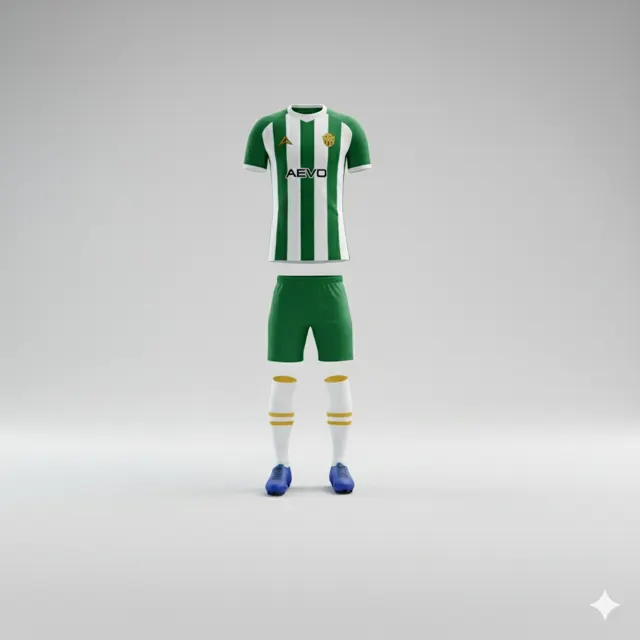
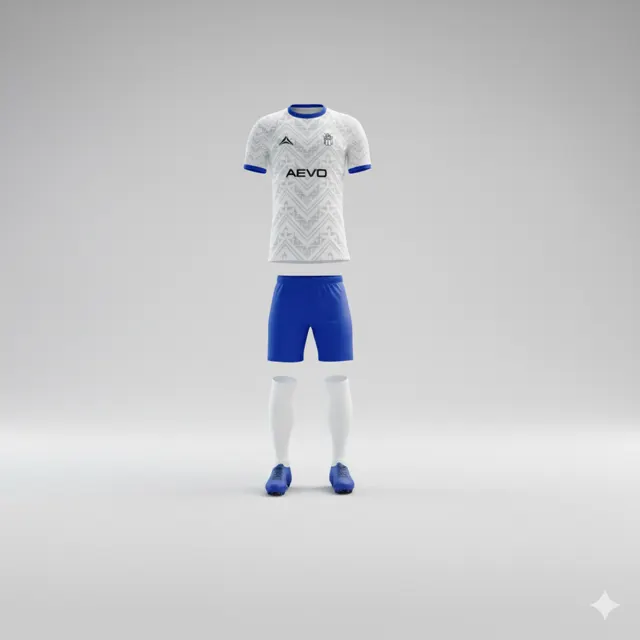
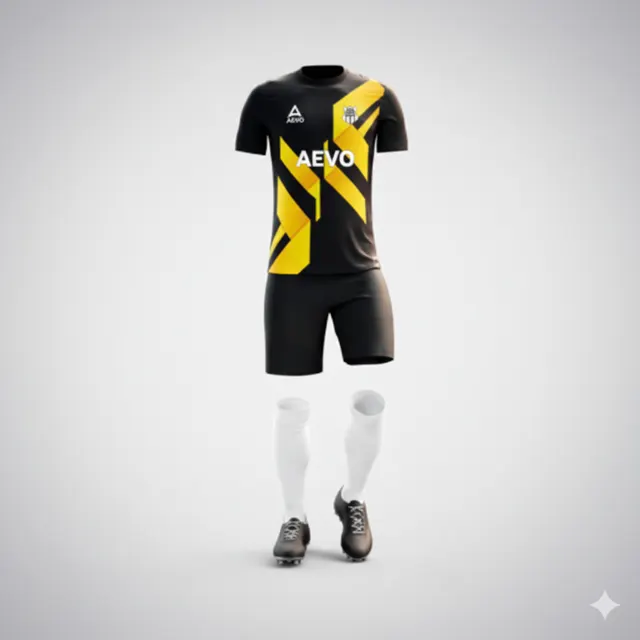
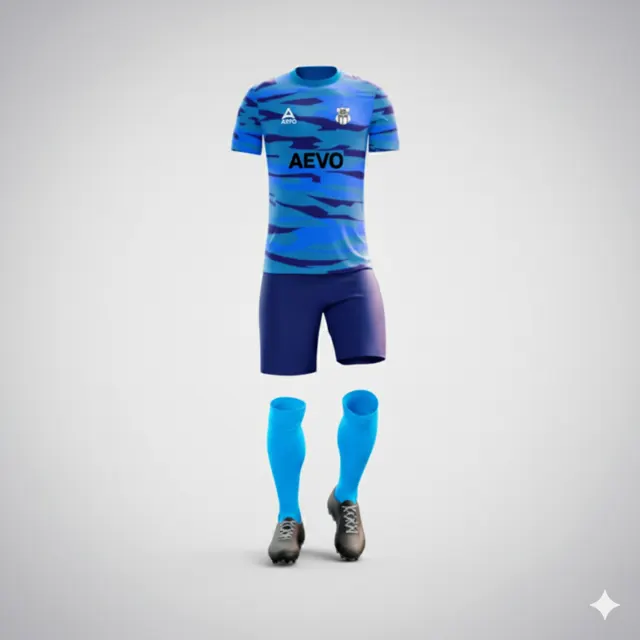
How to review a football shirt mockup for colour and placement
Review a football shirt mockup from overall colour to logo placement. Learn what to check, then request a free design proposal from AEVO.

Look at the whole shirt, then inspect the details
A mockup turns an idea into something a club can discuss. It can show how colours, panels and badges might work together, but a quick glance at the front is not enough to approve a design confidently. Good review moves back and forth between the overall impression and individual details: does it feel like the club, and does each important element sit where people expect it?
Clubs can explore customisable styles on AEVO’s kits page. When a proposal is ready, involve people who know the badge, any sponsor arrangement and how the shirt will be used. This does not require a committee meeting with twenty opinions. A short, focused review is often more useful than asking everyone to vote on a small screenshot in a chat.
Trace the design around every view
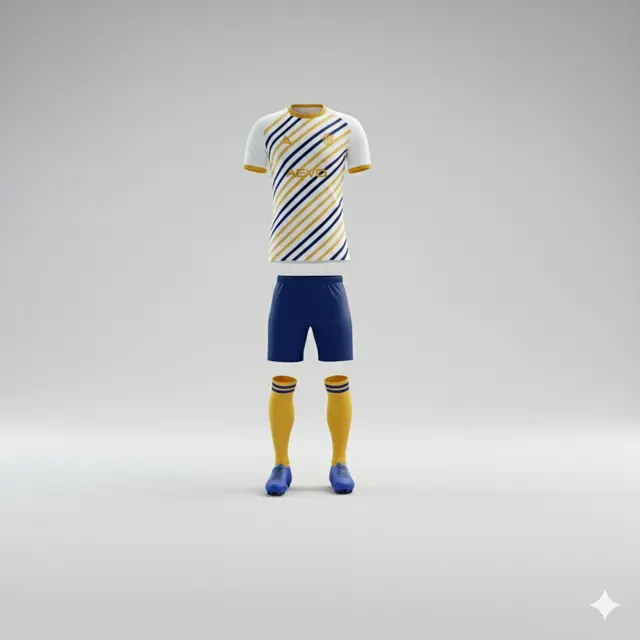
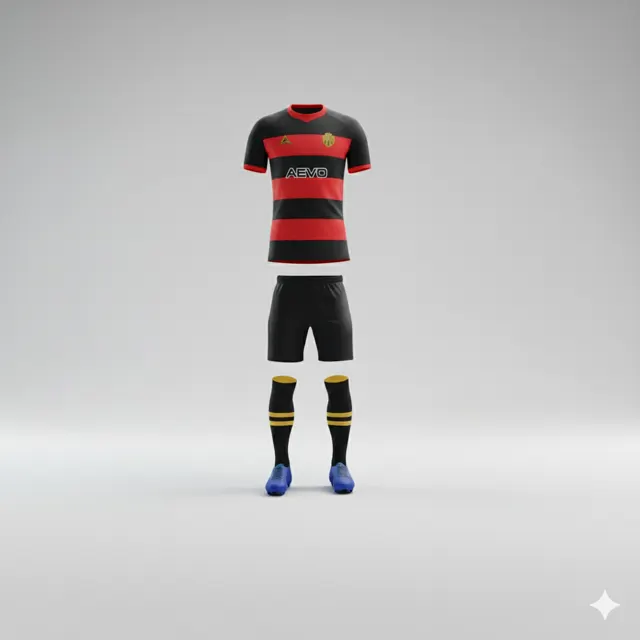
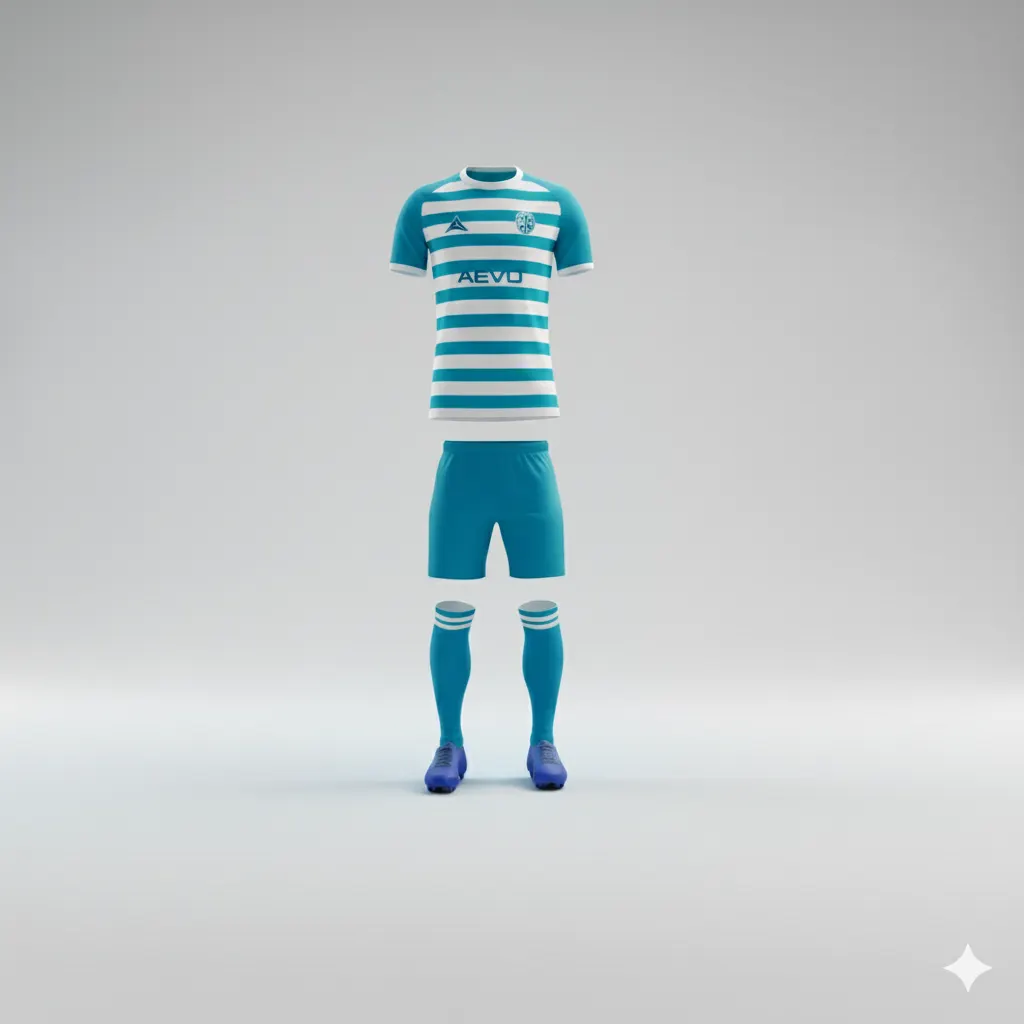
Start with the front as a player or spectator would see it. Are the club colours still recognisable? Does the sponsor mark dominate the chest? Then inspect collar, sleeves and side panels. A badge can look balanced head-on but sit awkwardly near a seam or disappear against a colour on another view. If the mockup includes front and back, assess them together rather than approving the most attractive angle alone.
Imagine a youth side considering a blue shirt with a narrow yellow detail. At full size, the contrast seems lively; when the kit manager looks closely at the sleeve, the stripe competes with the crest. The group asks for a calmer position before moving on. This is an illustrative scene, not a real customer case. It shows how one small placement decision can change the character of the whole shirt.
Use screen colour as a guide, not a promise
A display creates colour with light, so a shade can appear different from the finished garment. Use the mockup to discuss combinations, contrast and placement, rather than expecting the exact colour on one monitor to be guaranteed. Describe the practical need: for example, the club’s light and dark colours should remain distinct at a distance. If a particular colour reference matters, include it in the enquiry and ask what can be confirmed.
Check that the club has permission to use every badge or sponsor logo shown. “The layout looks right” is not the same as checking the correct file, spelling and position. Player names and numbers deserve a separate pass against a roster; a polished visual can otherwise distract from a simple data error.
Give feedback someone can act on
Combine comments into one message and identify the view and location: “On the back view, move the sponsor lower” is more useful than “make it a little smaller.” Ask the person coordinating the design to review the revised mockup. For questions or artwork, contact AEVO. AEVO advertises a free design proposal within 24 hours; reviewing a mockup remains separate from confirming an order or delivery details.