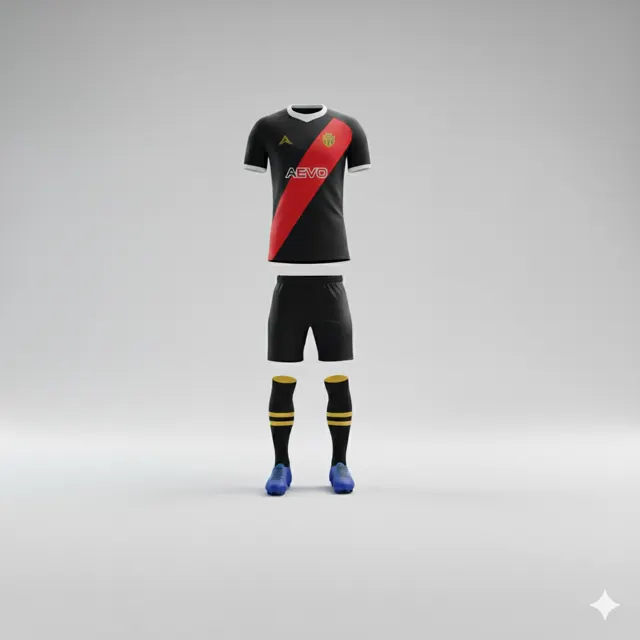
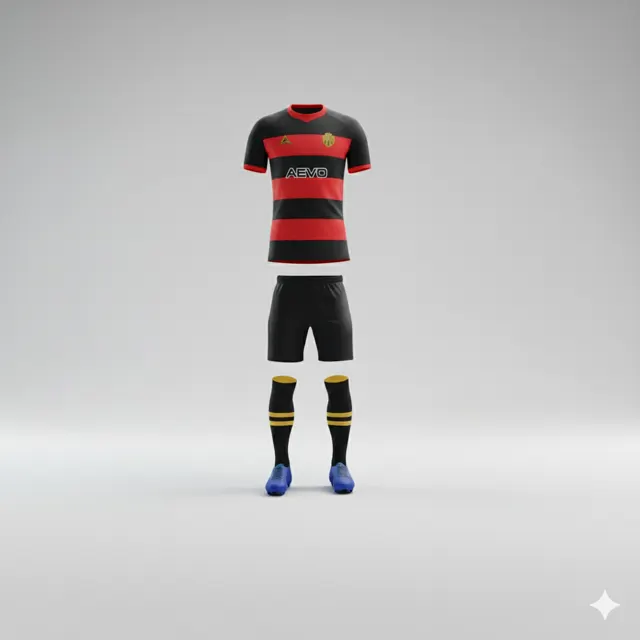
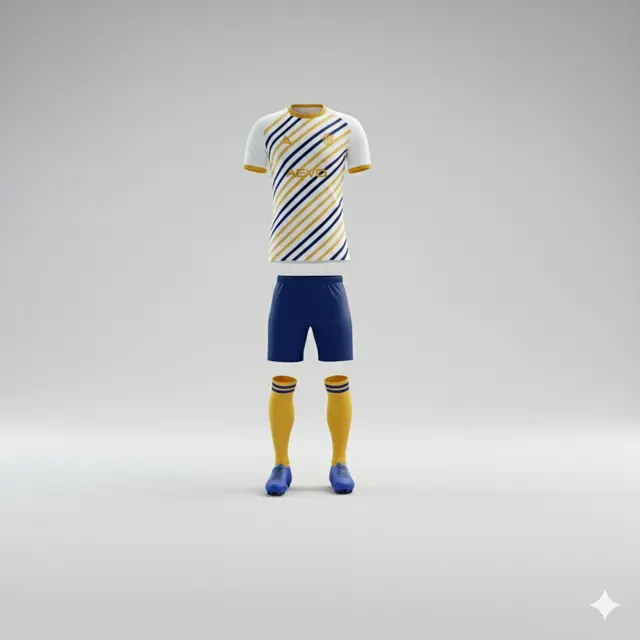
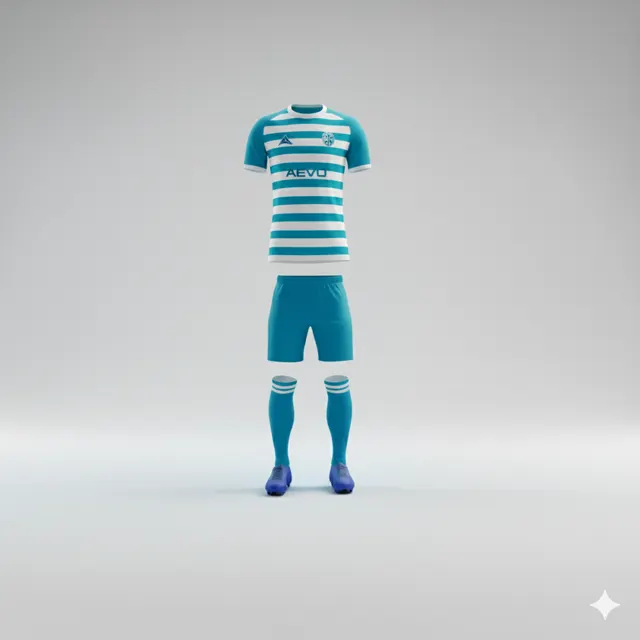
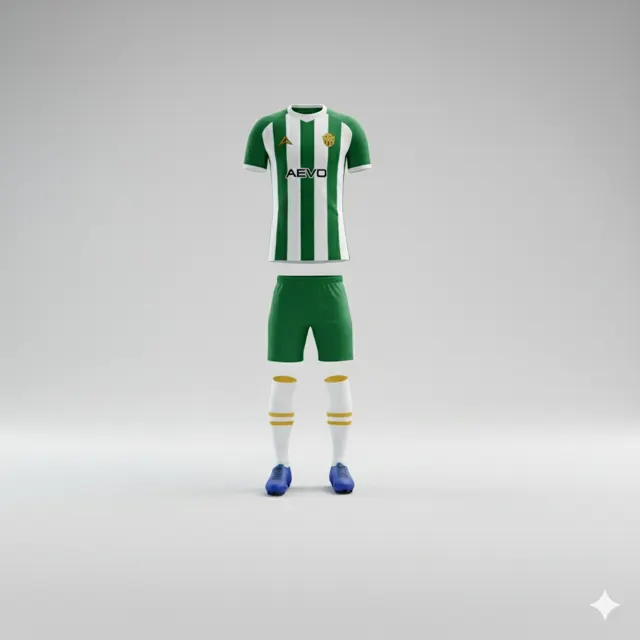
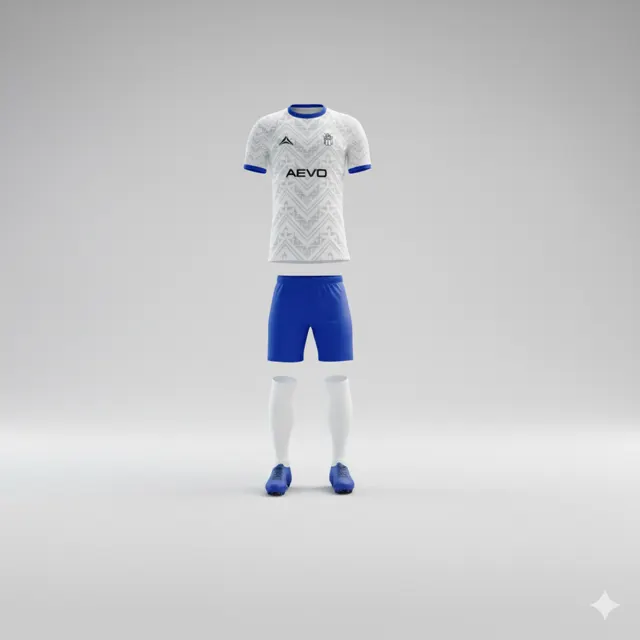
How to coordinate kit requests across several teams
Keep mockups, sizes and approvals distinct when several squads need kit. Build a clear club overview and request a free design proposal from AEVO.

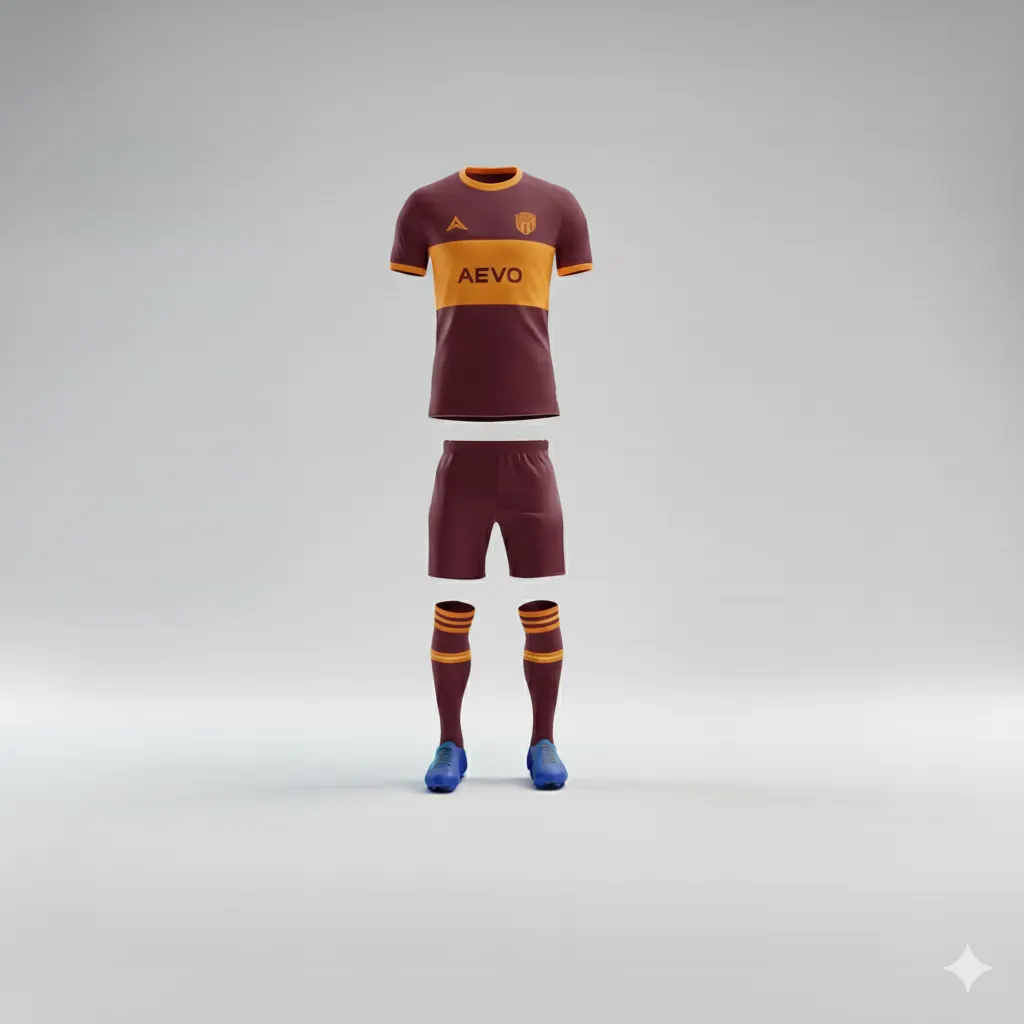
One club can have several different briefs
When several squads need new kit at once, one combined request may seem like the neatest option. Yet teams can have different colours, sponsors, team managers and budget decisions. Put everything into a single long email thread and it becomes difficult to tell which mockup, size list or approval belongs to which squad. Coordination does not mean making every team identical; it means making the work visible.
Start with one line per team: name, contact person, intended use, decisions still open and location of the current artwork. A club can explore styles on AEVO’s kits page, but each team’s colours and marks should be confirmed with its own people.
A three-team club, for example
Imagine a club where the senior side wants to refresh a familiar design, the youth team needs to correct sponsor artwork and a newly formed squad has not chosen its colours. If a chair approves a colour in an email without naming the team, someone may assume the decision applies to all three. A simple tracker can show the difference: the senior mockup awaits a placement change, the youth proof awaits the correct logo file and the new squad is still discussing direction. This is an illustrative situation, not a real order.
Each team should have a named owner for its latest roster and size information. Keep names and numbers with that team’s current list instead of casually reusing another squad’s spreadsheet. Sponsor marks must be authorised for use. If teams share a crest or base colour, record that as common information but still inspect each team’s actual mockup for the right version.
Use a tracker that answers practical questions
Agree on a few status labels with precise meanings: “brief being collected,” “mockup under review,” “revision requested,” “club approval complete” and “purchase decision pending.” Add an update date and the person who last changed the row. Store each team’s mockup separately and use filenames that identify squad and version. This is safer than a folder full of files named “final_final2”.
When a change affects more than one team, state its scope. A revised club crest may apply to everyone; sponsor placement may apply to one squad only. Ask each team contact to confirm its own proof, then let a designated buyer combine the approved requests for an enquiry.
Keep the external conversation clear
If the club wants to discuss the work together, contact AEVO with an overview by team and the remaining questions. AEVO advertises a free design mockup within 24 hours; it does not replace each club approval or the separate decision to purchase. With one shared view of status, team contacts know what happens next and the order lead can see which version is current.